
Animation Using geometry And Normals Constraint
How To Animating anything on surface and avoiding intersection Using geometry And Normal Constraint
Naresh Butti
9/13/20241 min read
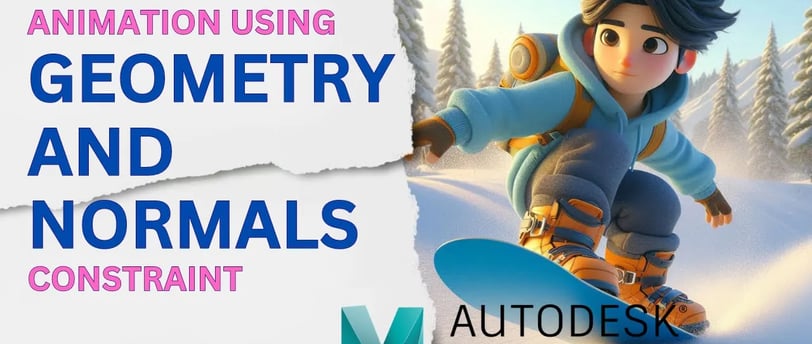
Animating a character on uneven surfaces can be challenging, but with the use of geometry and normals constraints, you can save a lot of time and keep your character grounded and properly rotated.
In this video, you'll learn: How to apply a Geometry Constraint to keep your character grounded. How to use a Normals Constraint to make your character rotate based on the terrain's direction.
Steps Covered: Select the ground mesh and the main global control. Add a Geometry Constraint to ensure the character sticks to the ground. Select the ground mesh and the sub-global control. Add a Normals Constraint with the aim Y value set to 1 and the XZ values set to 0.